TurtlePen / A drawing language for AI

Measure it.
Draw it. Check it.

Turn an idea into a drawing with measured text, exact geometry, and a visible check of the result.

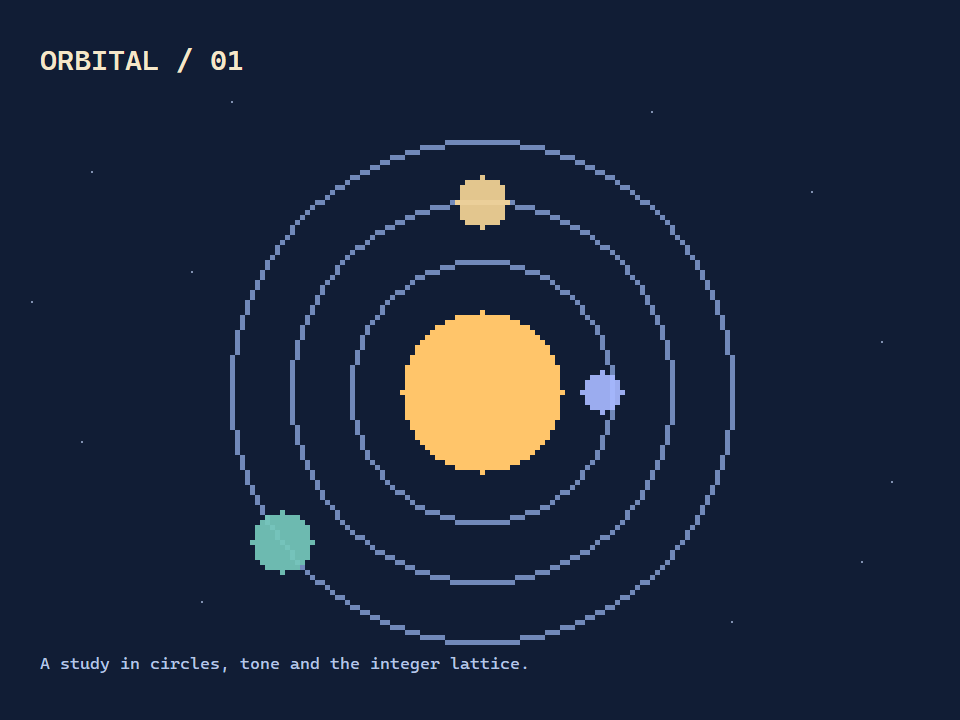
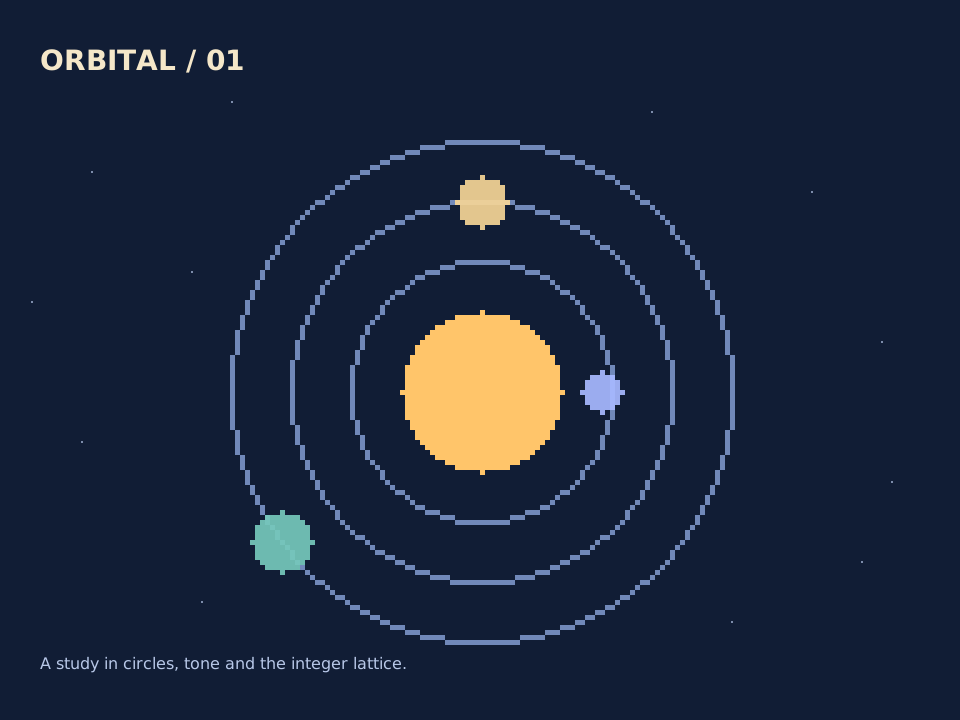
An orbital illustration created with TurtlePen.Made with TurtlePen

Made with TurtlePen

Explore the examples.

Connect & make your own

Explore finished work, open the full-size artwork, or borrow a prompt for your next drawing. Prompts are starting points for new variations.

A warm golden sun with three concentric blue orbits and mint, gold and violet satellites on deep navy paper.View full size

01 / Geometric illustration

An orbital study

Circles, filled shapes and deliberate layers turn exact geometry into a small celestial poster.

New · Drawn through the TurtlePen MCP

Try this prompt

Use TurtlePen to create an orbital poster on a 96 by 72 cell canvas. Use navy paper, a warm golden central disc, three concentric orbits, and three differently colored satellites on an overlay page. Add a sparse star field and a short title. This is an abstract illustration, not a scale model. Validate, render without the grid, look at the SVG, record a perceptual review, then run release_check.
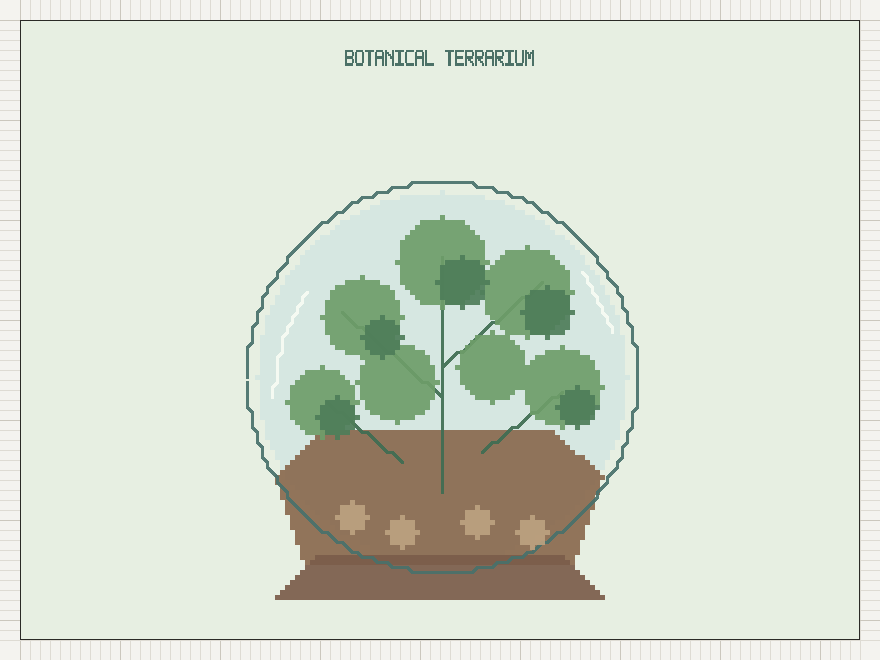
TurtlePen pixel artwork of a glass terrarium containing leafy plants, layered soil and stones.View full size

02 / Botanical artwork

A garden, drawn with code

A terrarium built from layered marks, foliage and texture. A different side of a diagramming tool.

From the TurtlePen artwork collection

Try this prompt

Use TurtlePen to draw a botanical terrarium with a glass enclosure, layered soil, stones and several distinct leaf shapes. Compose a clear silhouette before adding texture, use overlay pages for depth, and keep the background calm. Validate the geometry, inspect the rendered artwork, and record the perceptual review. Make an original variation rather than promising to reproduce a reference exactly.

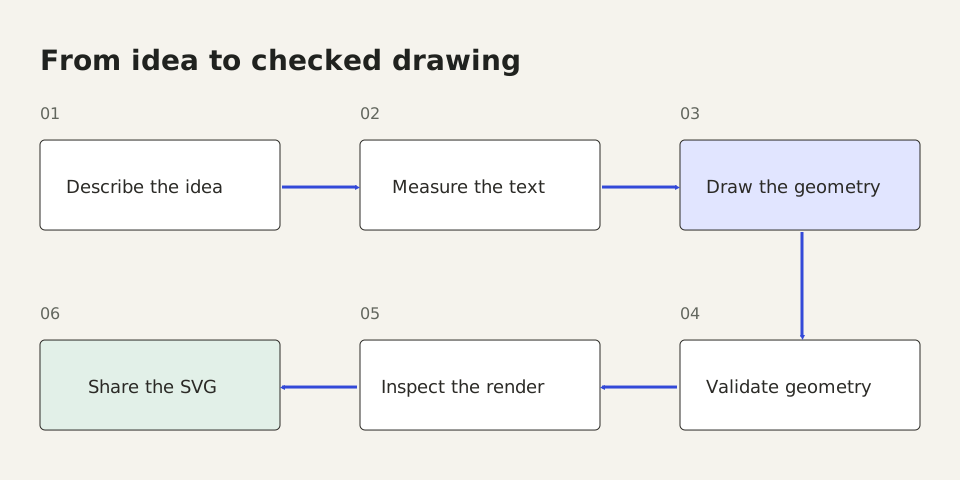
Six numbered stages connected in order: describe the idea, measure the text, draw the geometry, validate geometry, inspect the render, and share the SVG.View full size

03 / Diagrams that explain

From idea to checked drawing

Measured labels, connected steps and a readable path through the work. Open the SVG to inspect every detail.

New · Drawn through the TurtlePen MCP

Try this prompt

Use TurtlePen to explain a six-step drawing workflow: describe the idea, measure the text, draw the geometry, validate geometry, inspect the render, and share the SVG. Measure labels first. Arrange three steps across the top and three returning across the bottom, number them, and connect their named ports in order. Use cream paper with a cobalt accent. Validate, render, visually inspect, record the review, and run release_check.

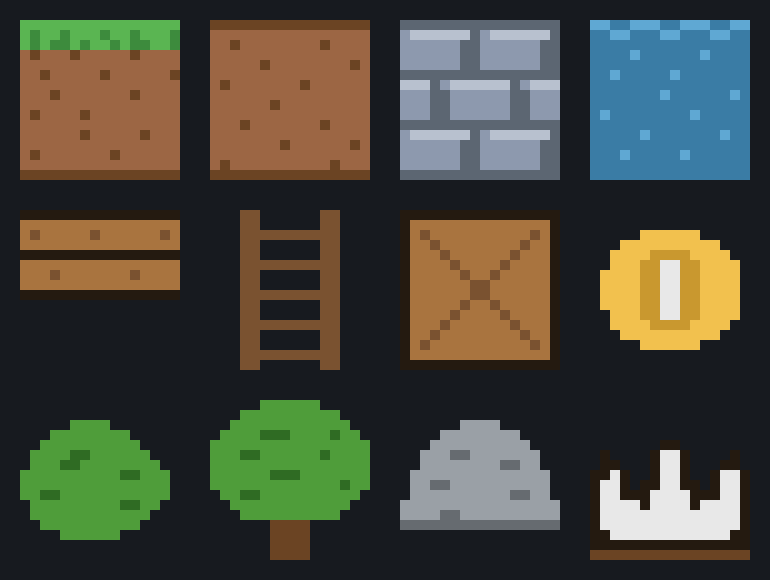
A twelve-tile pixel-art sheet with terrain, water, wood, a coin, trees, a rock and a crown.View full size

04 / Pixel-art assets

A tiny world in twelve tiles

A compact game-art study where terrain, objects and little details share a consistent visual language.

From the TurtlePen artwork collection

Try this prompt

Use TurtlePen to create an original twelve-tile pixel-art sheet for a tiny exploration game. Include grass, earth, water, wood, a coin, two kinds of tree, stone and a crown. Keep tile dimensions and the palette consistent, leave clear gutters, and use exact cell-painted artwork. Inspect the sheet at its intended display size before recording a perceptual review and running release_check.

TurtlePen 0.6 / Spatial authoring

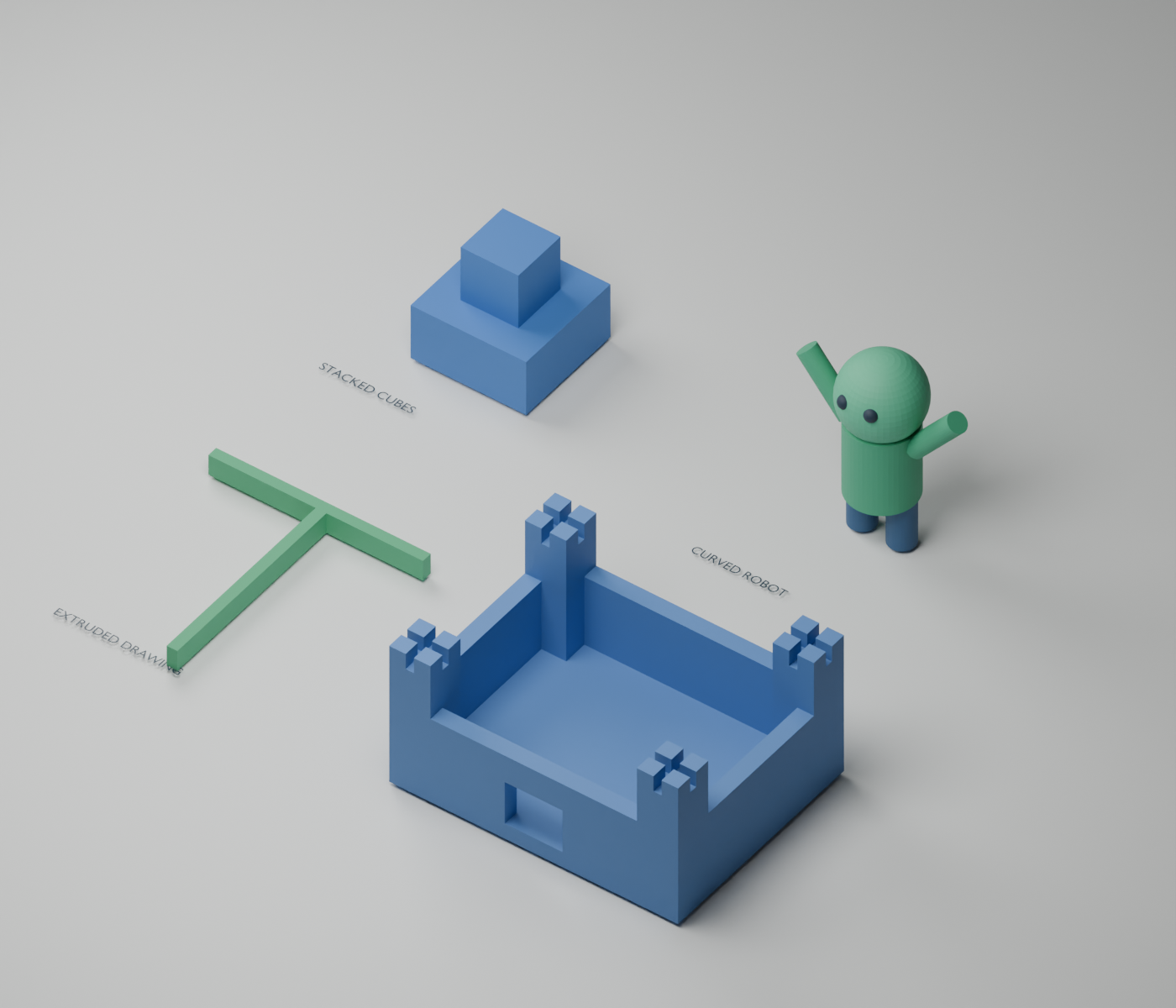
3D geometry, with physical dimensions.

Available through MCP

Build solid forms, shape curved limbs and surfaces, and export editable models in real-world units. The hosted MCP now includes the spatial authoring tools. The browser canvas continues to work with 2D boxes and connectors.

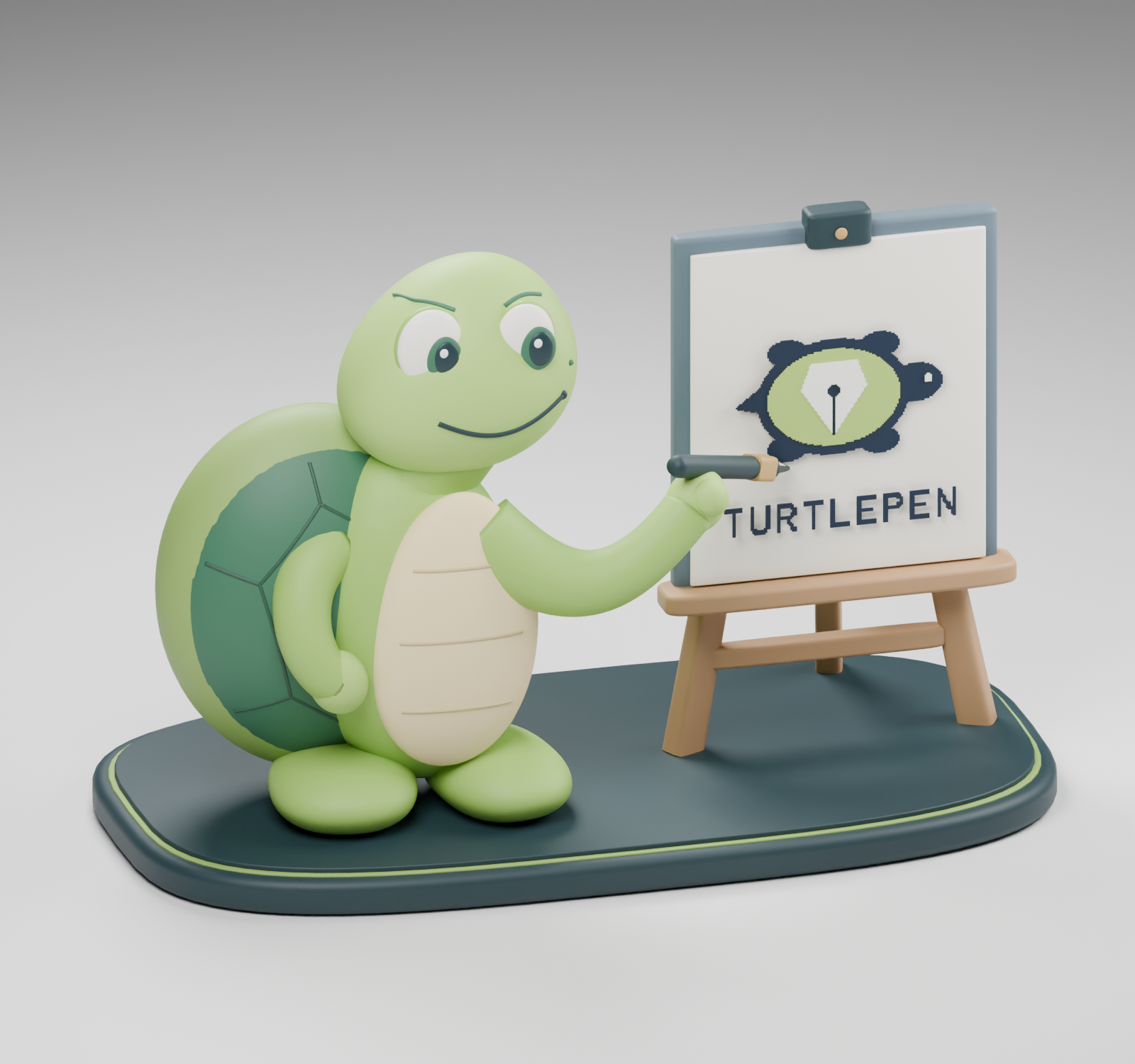
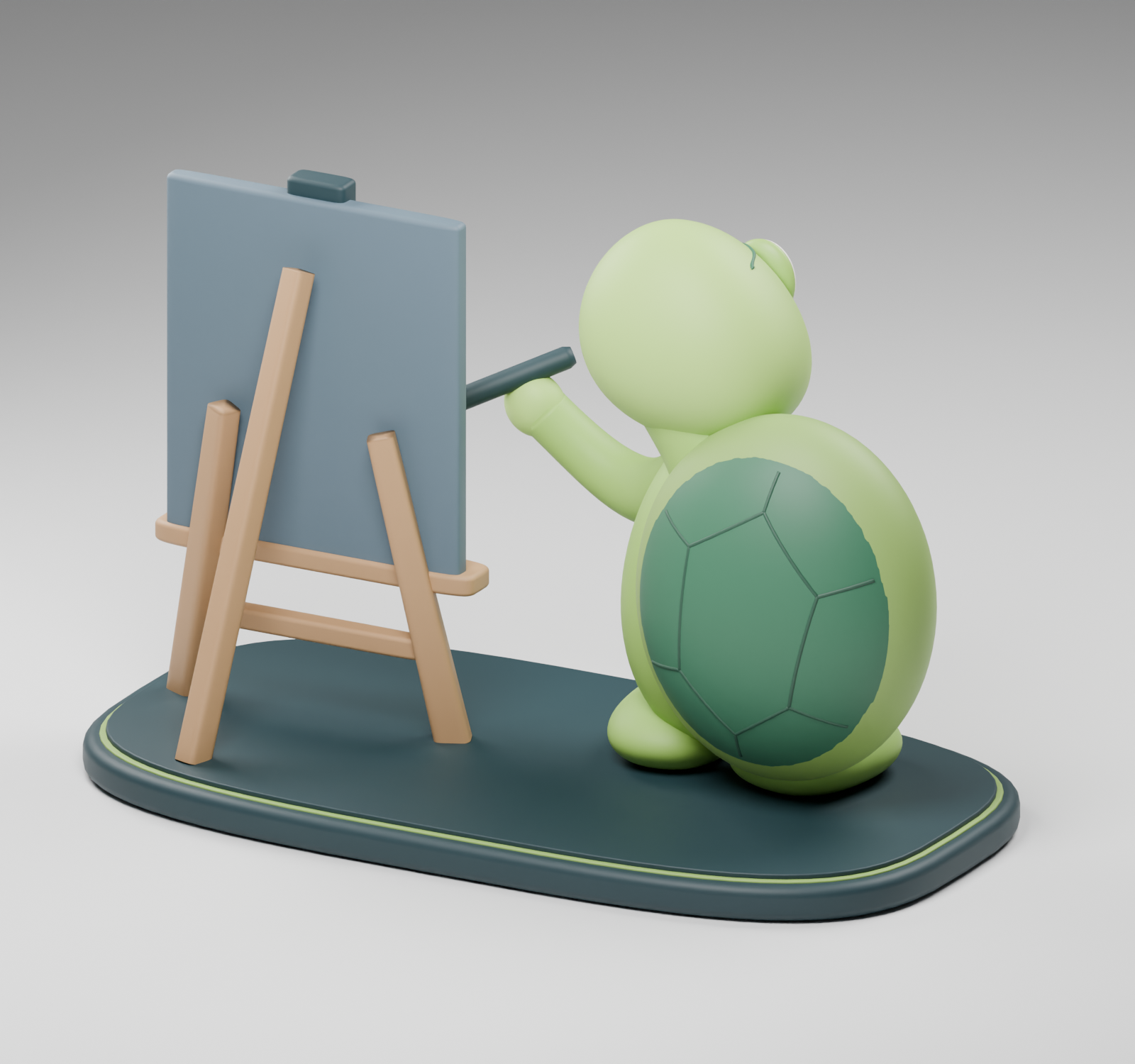
A lime green turtle with a dark patterned shell, smiling and holding a pen beside a wooden easel displaying the turtle and fountain-pen mark.
Built with native TurtlePen sweeps and lofts; rendered in Blender. Back view · Earlier geometry examples

Shape and assemble

Primitives and profile extrusion, joined Bezier sweeps with tapered radii, lofted cross-sections, transforms, and groups. Smooth GLB shading keeps curved surfaces readable. Native booleans currently support axis-aligned boxes.

Bring drawings into space

Extrude an explicit snapshot of painted drawing quadrants at a chosen physical scale. Spatial coordinates stay separate from the integer drawing lattice.

Keep and export the model

Editable TPF source, STL in millimeters, and colored GLB in meters. Inspect a model, rehearse changes, and undo or redo through the same MCP connection.

A mark made for relief

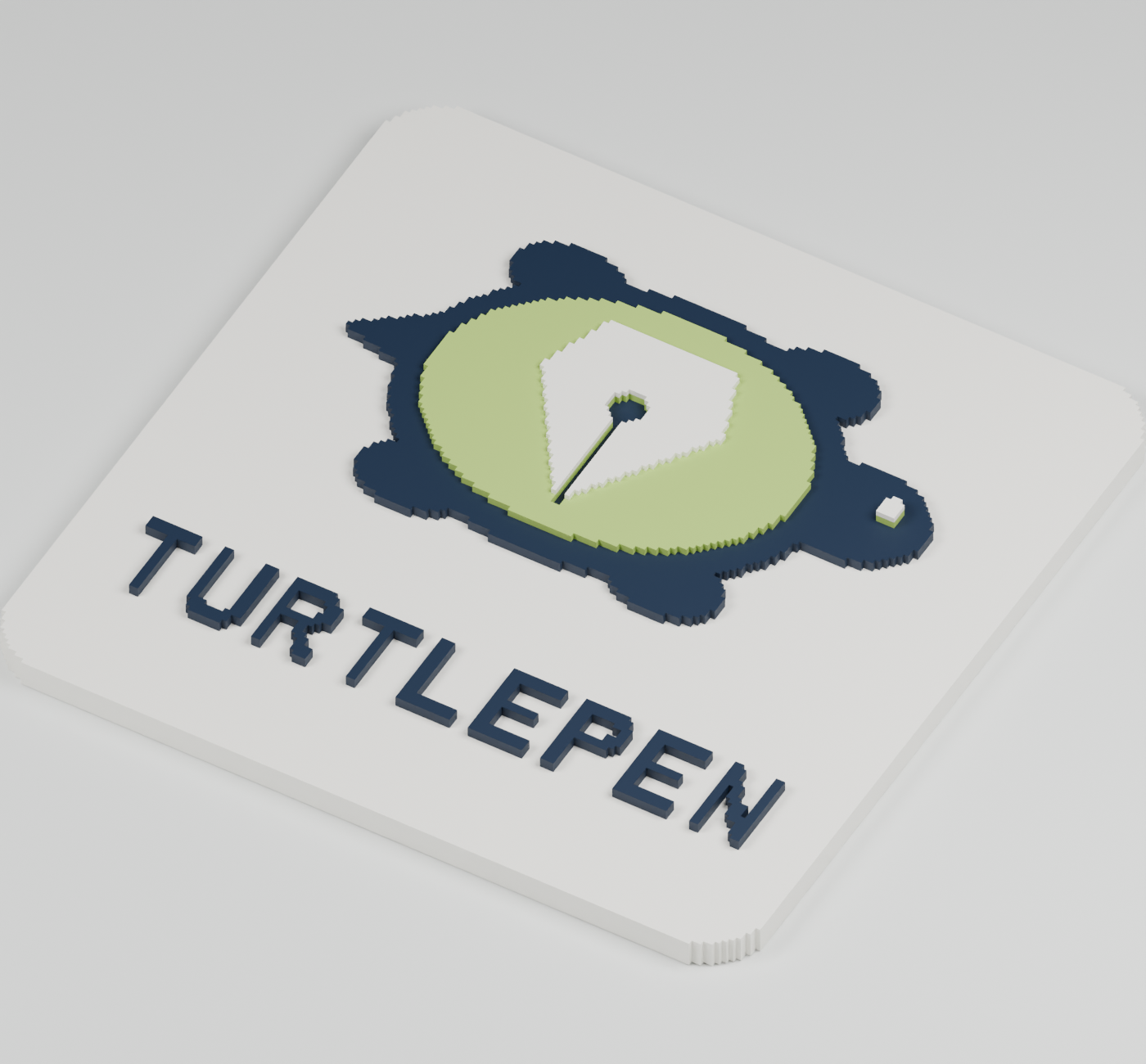
TurtlePen brand mark: a turtle silhouette with a fountain-pen nib in its shell.

The simplified turtle-and-nib mark also becomes a raised badge.

Download the models and editable sources

Digital verification

The complete engine check passes 758 tests. Independent Blender imports check topology, volume, and dimensions. A separate STL reader verifies the final sculpture and badge as closed, connected meshes.

The colored sculpture keeps its editable overlapping parts. Its joined STL uses an explicit Blender voxel union at 0.35 mm; the badge is a native TurtlePen solid.

Before printing

Mesh checks are a starting point. Review scale, wall thickness, supports and bed fit in your slicer. The supplied models have not been physically printed.

General curved booleans, profile holes, self-intersection detection, revolutions, bevel modifiers, a native 3D viewer, slicing, and printer control remain outside the current engine.

The complete engine / Streamable HTTP

87 tools. One connection.

The project story

Use this endpoint in an MCP-compatible client for the full drawing engine, 3D geometry, semantic timelines, layout, images, exports, history, and validation.

https://brainn.dev/api/mcp/turtlepen
01 / Connect

Start a session.

Initialize with an Accept header containing application/json and text/event-stream. Reuse the returned Mcp-Session-Id for later calls.

02 / Continue

Keep the drawing.

D1 and R2 preserve the document, undo history, and session files across separate requests. Sessions have a one-hour idle expiry.

03 / Inspect

Check the result.

The v0.6.0 engine exposes structured output schemas. Validation explains findings; the release check ties the decision to the reviewed render.

The browser companion / Six page-local tools

A canvas you can share with an agent.

This smaller companion works with boxes and connectors in the current page. It activates its WebMCP tools in a compatible ChatGPT browser. You can inspect the visible canvas here; its state and capabilities are separate from the remote 87-tool engine.

Live WebMCP surface

A canvas the agent can see with you.

Registering browser tools…

Brainn.dev TurtlePen workspace72 × 34 cells
BriefMeasureRender

Tool contract

turtlepen_help
turtlepen_measure
turtlepen_draw
turtlepen_validate
turtlepen_render
turtlepen_clear

Current validation

PASS

1 structural finding. Validation reports; it never silently moves or resizes geometry.

Stupid PeopleCheck the game’s Menu for save status.