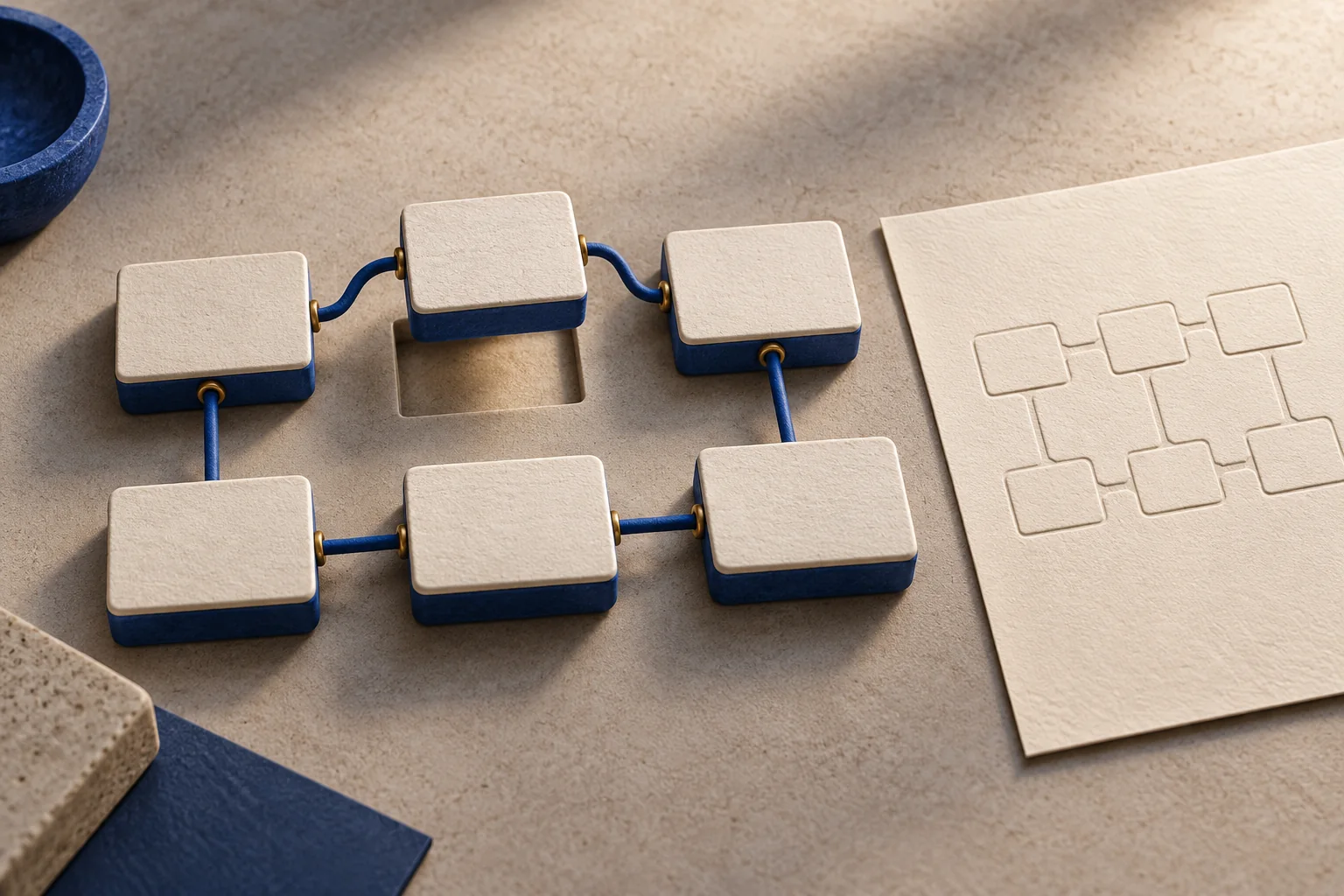
A finished diagram is useful. An editable diagram is easier to improve when the process changes.
TurtlePen gives an agent a drawing surface, text measurement, geometry and validation tools. On brainn.dev, the gallery includes a six-step workflow example with a reusable prompt, a finished SVG and an editable TurtlePen file. This walkthrough starts with that existing artifact so you can inspect the result before making your own variation.
Open the example first
Go to the TurtlePen gallery and find the workflow example. Open its full-size image. Check the reading order, labels and arrows at the size you expect to use.
Then download the SVG and the editable TurtlePen file. They serve different purposes: the SVG is a finished visual you can display or share, while the editable document preserves the drawing structure for continued work.
Keep both when a diagram will be maintained. If the workflow later gains a review step, the editable source gives you a starting point.
Describe one process
Choose a process that can be stated in six short steps. For example, a publishing workflow might move through idea, research, outline, draft, review and publish.
Write the labels first. Each label should name an action or a recognizable state. Explain the actual relationships: whether review can send a draft backward matters more than the choice of an accent color.
For a first variation, stay with a simple sequence. Add a branch only when the process actually needs one.
Reuse the measured workflow prompt
The gallery's copyable prompt is a starting point for a new drawing. Adapt the labels and relationships to your process rather than expecting an identical image every time.
A useful request is:
Use TurtlePen to draw a six-step publishing workflow:
Idea, Research, Outline, Draft, Review, Publish.

Measure the labels before sizing their boxes.
Arrange three steps across the top and three returning below.
Number the steps and connect their named ports in order.
Use cream paper and a cobalt accent.

Validate the drawing, render it, inspect the image,
record the visual review, and run the release check.
Keep the editable document and export an SVG.
The request makes the order of work explicit. Text measurement informs sizing; validation follows placement; visual review checks the rendered result.
Choose the right TurtlePen surface
The hosted MCP endpoint is brainn.dev/api/mcp/turtlepen. It exposes the full engine through an MCP-compatible client.
The browser companion on the TurtlePen page is a smaller, separate surface. Its six page-local tools handle a canvas shared with an agent in a compatible browser. The hosted engine documented on this site exposes 84 tools.
These surfaces have separate state and different capabilities. An example document from the full engine should not be assumed to appear automatically in the browser companion.
Connection support depends on the client you use. The site explains the hosted session requirements, and the public repository contains the tool's source and documentation.
Check structure and appearance
Validation can identify structural problems such as overflowing content or conflicting placement. It does not replace looking at the image.
Inspect the rendered drawing with a reader's questions in mind:
- Can you tell where to start?
- Do the connectors explain the order?
- Are the labels readable at the intended display size?
- Is a return path visibly different from the main sequence?
- Does the exported SVG remain readable outside the editor?
A diagram can be technically valid and still be confusing. The visual review is a separate piece of evidence.
Keep the handoff editable
Save the finished SVG with its editable source and the prompt you used. That gives the next edit three useful references: the delivered appearance, the structured document and the original intent.
When the workflow changes, update the source, rerun validation and inspect a new render. Avoid treating an old validation result as evidence for a changed drawing.
The same process applies beyond workflow charts. The gallery includes art and game-asset studies that use the tool's geometry in different ways.
Sources and version
This walkthrough uses the existing gallery and the site's hosted TurtlePen v0.5.0 documentation, reviewed September 6, 2026. The sample prompt requests a new variation; its output depends on the agent's execution and review.
Compare notes
What happened when you tried it?
Questions, useful disagreements, and corrections welcome. Comments are reviewed before publication. Discussion guidelines.
Loading discussion…
Sign in to join the discussion