When I asked for examples made with TurtlePen, the “with TurtlePen” part mattered.
The point was to show what the tool could produce and leave a result someone could inspect and change. A lookalike assembled elsewhere would have answered a different question.
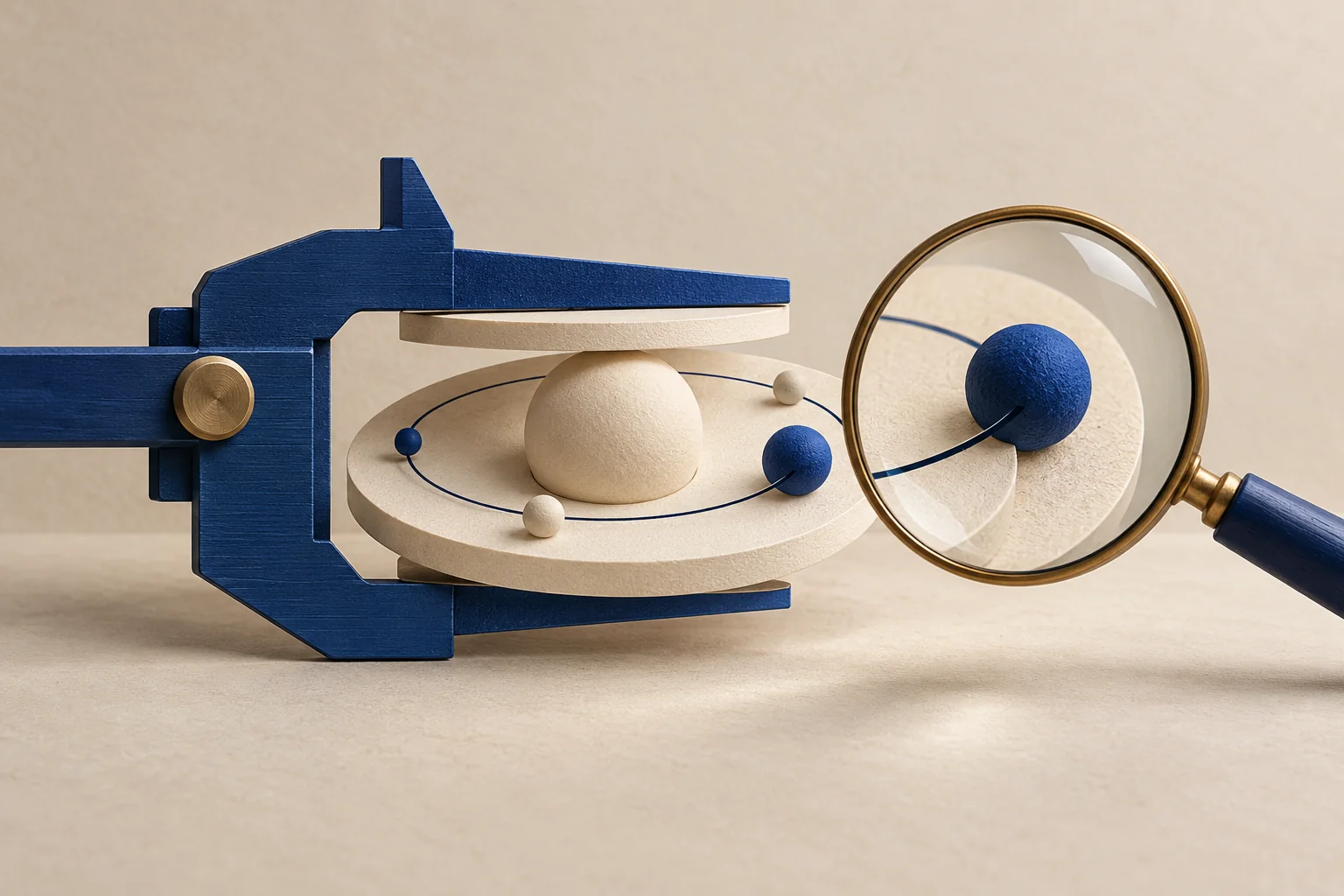
For the gallery, we made a six-step workflow and an orbital illustration through the registered TurtlePen tool. The release record is dated September 6 UTC; deployment happened late September 5 in Eastern time. Both pieces kept their editable documents alongside the finished images.
The useful lesson came from the checks around those drawings.
Measure the words before building their container
For the workflow, text measurement happened before placement. The drawing has six numbered stages, semantic connections and an annotation. The labels informed the geometry rather than being squeezed into boxes after the arrangement was settled.
That order makes a diagram easier to reason about while building it. If a label needs more room, the tool can report a sizing problem instead of presenting a tidy-looking guess.
It also makes the example more useful as a starting point. Someone can replace a label, measure again and revise the source. The delivered SVG is one state of that drawing, not the end of its life.
A finding needs an explanation
Both new examples passed the tool's release check. That does not mean every observation vanished.
The workflow retained individually accepted informational findings about a one-pixel centering bias. The orbital drawing retained informational findings for satellites deliberately covering orbit lines. Those overlaps belonged to the intended composition.
No blocking finding was accepted for either release. The accepted information and the visual review stayed attached to the relevant drawing and render.
I like that distinction. A useful checker should tell us what it found, while a review explains whether a particular finding conflicts with the intended result. Quietly disabling the checker would lose that evidence.
The image can fail somewhere the document did not
The orbital SVG was also rendered to a PNG at its native 960 by 720 size. The release record notes that this avoided seams when tiny SVG cells were rescaled. The PNG is an unedited browser rendering of the TurtlePen output.
That is a presentation issue a valid drawing structure alone does not settle. We still needed to see the exported image at the size and in the context where a person would encounter it.
The gallery checks covered phone and desktop widths, full-size artwork, prompt copying, clipboard failure recovery and the editable download. An example is easier to learn from when the handoff works all the way through.
Keep the identity of the tool in the record
The registered tool used for authoring reported TurtlePen v0.4.0 with 77 tools. The published site incorporated the concurrent v0.5.0 engine with 84 tools.
Those are two different facts. Updating the hosted engine did not retroactively change which runtime made these drawings. Recording both avoids giving the newer engine credit for an authoring run it did not perform.
The same habit applies to an AI model, a compiler or a data source: record the one involved in the result. A version number is useful when it identifies the work, rather than decorating it.
Leave the next person something they can change
The gallery includes the final visual, its editable source and a prompt for making a variation. The prompt explains the intent; it does not promise a pixel-identical rerun.
For your own diagram, try changing one label to something longer. Check what the measurement reports, revise the drawing, inspect the new render and keep the updated source with the export. That small edit tests more of the workflow than admiring the original thumbnail.
Record and method
Written September 6, 2026, from the gallery's authoring provenance and release record. AI operated TurtlePen to make the examples and assisted with this draft. Geometry checks, human-readable review records and browser inspection support different parts of the result. The public TurtlePen repository provides the tool's source.
Compare notes
What happened when you tried it?
Questions, useful disagreements, and corrections welcome. Comments are reviewed before publication. Discussion guidelines.
Loading discussion…
Sign in to join the discussion